Business goal
Inspire the audience to embrace outdoor activities, stand out from competitors, build loyalty, and increase tour applications.
🏔 The project was not just about creating appealing visuals but about designing a seamless and motivating journey — from landing on the site to booking a tour. The key task was to combine the emotion of adventure with effective UX.
Problem Statement & Challenges
No existing guidelines or templates — everything had to be designed from scratch: IA, filters, visual presentation, and interaction logic.
Creating an inspiring and intuitive interface — evoke emotion from the very first screen, design a clear user path, and simplify the booking process as much as possible.
Building UX from scratch — there was no existing structure, navigation, or interaction logic.
Visual Design & Interface Exploration
1. Color Palette – Earth Tones
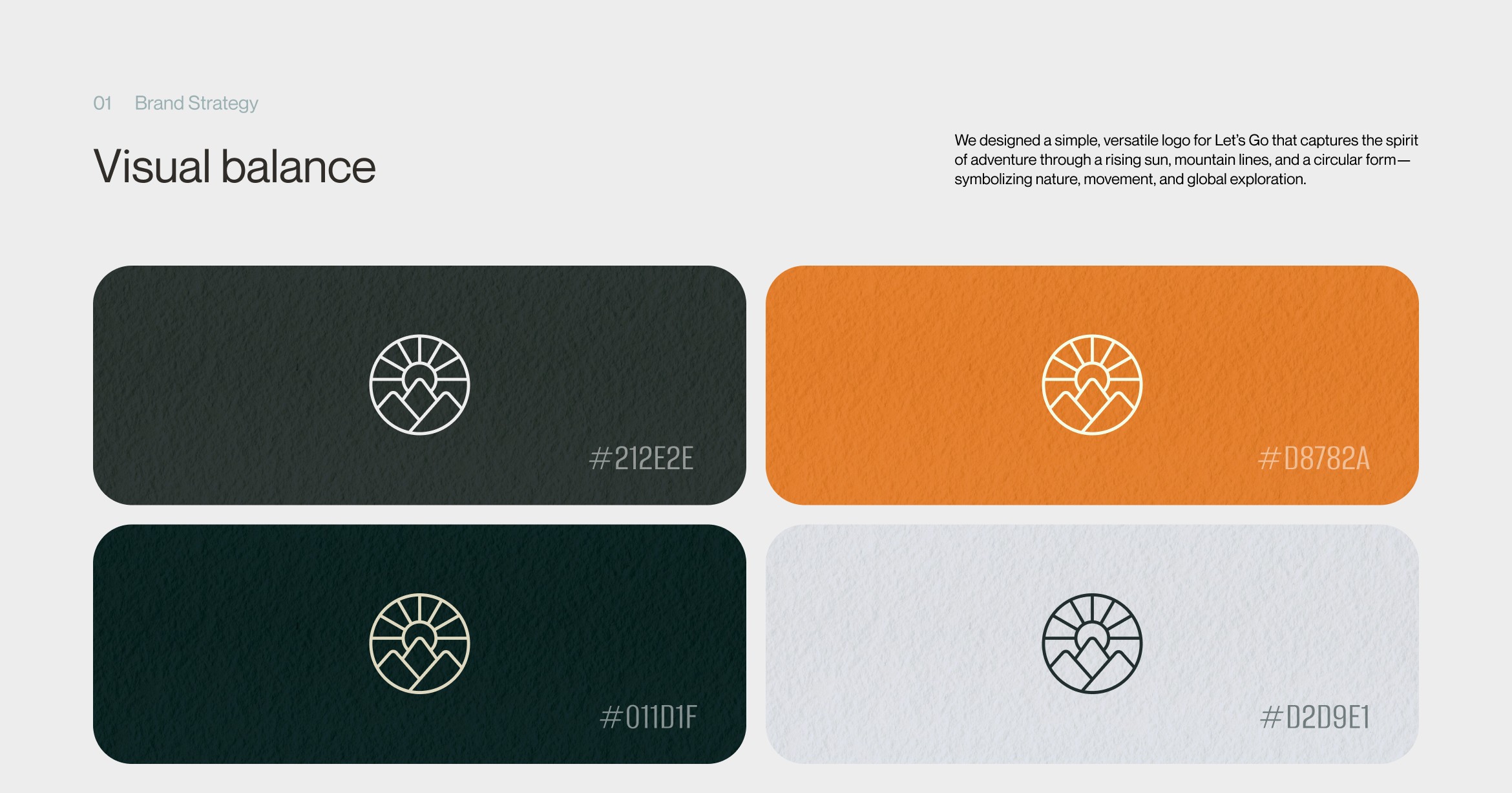
The use of natural shades of green, brown, and sand reflects earth tones, which are associated with comfort, sustainability, and nature. This creates an atmosphere of calm, harmony, and responsibility — perfectly suited for a website about hiking and the outdoors.

2. Emotional Imagery
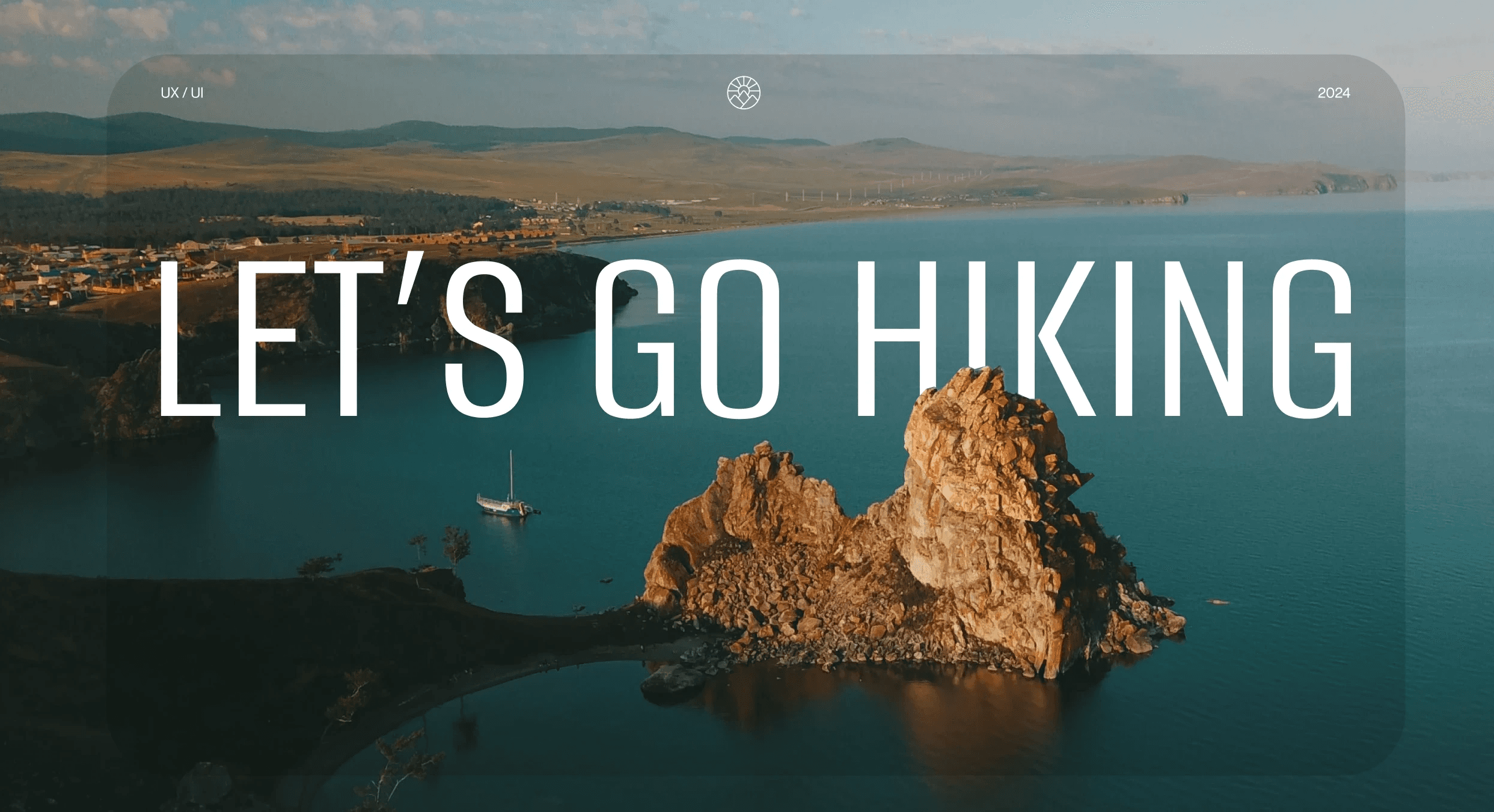
The visual design features scenic photos of nature and dynamic shots of hiking experiences. Emotional visuals are a key element in the tourism industry — they inspire and motivate users.

3. Interface Components
The design elements included:
No existing guidelines or templates — everything had to be designed from scratch: IA, filters, visual presentation, and interaction logic.
Creating an inspiring and intuitive interface — evoke emotion from the very first screen, design a clear user path, and simplify the booking process as much as possible.
Building UX from scratch — there was no existing structure, navigation, or interaction logic.
UX/UI Mockups & Responsiveness
1. Interactive Elements — Usability and Engagement
I introduced dynamic interface elements to make the user journey more engaging:
Modal windows with details — allow users to quickly view tour descriptions, conditions, and photos without leaving the page.
Animated transitions and scrolling — smooth navigation between sections and content for a modern feel and improved UX quality.


2. Responsive Layouts — Mobile-First and Flexible
I designed layouts for different screen sizes — from mobile to desktop — with a focus on key functions: filtering, interactive route maps, and the booking form. Responsive web design methods were applied to ensure convenience and consistency across all devices, using flexible grids, media queries, and scalable images.
3. Why It Matters
Mobile-first approach removes the need for separate site versions — one layout adapts seamlessly across devices.
Higher conversion: responsive design reduces drop-offs by making the booking path shorter and more intuitive.
Brand consistency: using a unified visual style across devices builds trust and strengthens brand recognition.
Target Audience Research & Analysis
1. Competitor Analysis — Benchmark & Best Practices
I analyzed the websites of hiking clubs (Sila Vetra, The Hiking Club, Trek Travel, Hiking & Trekking Club, and G Adventures) and identified key trends:
- Clear routing and visual maps of trails.
- Strong emotional visuals: trip photos and testimonials highlight the atmosphere.
- Tour segmentation by difficulty, duration, and price — with convenient filters.
These insights helped define how to structure and visualize the site to match the level of the industry’s best practices.
2. User Interviews — Building Empathy & Identifying Barriers
I conducted 5–7 interviews with real potential tour participants to understand their motivations, fears, and expectations:
- What drives their choice of a tour: inspiration, safety, price, reviews.
- What obstacles get in the way: unclear information, complex interface, lengthy decision process.
According to participants, a “one-click booking” option is critical to keeping them motivated to complete the tour application.

3. Developing a Persona
Based on the interview analysis, I developed a detailed persona — Anna. This is a specific user with clear expectations, life context, and goals.
Anna, 28 years old
Profile: loves traveling, values comfort, a short path to the goal, and transparency.
Goals: quickly choose an inspiring route, check reviews, and submit an application without unnecessary steps.
Barriers: dislikes cluttered pages, complex forms, and the lack of filtering options.
4. Journey Map
I developed a Customer Journey Map that shows the user’s path from the first visit to submitting a tour application. The map covers the key stages — inspiration → filtering → tour details → application — and captures emotions, actions, touchpoints, and opportunities for improvement at each step.

Information Architecture & Wireframes
1. Project Structure and the Role of IA (Information Architecture)
A clear site structure was built:
Home — Routes — Filters — Tour page — Application
This follows IA principles to logically organize content into a hierarchy and ensure intuitive navigation. Without it, users risk getting lost and not completing the desired action. Thanks to this approach, the site gained a solid foundation for UX design: users immediately understand where to look for a tour, how to filter it, and how to proceed to booking. IA became the backbone of the entire site structure.
2. User Flow – The User’s Path
Based on the scenario “guest choosing a tour → submitting an application”, a User Flow was created to visually map the key steps: from the first visit to successfully booking a tour. This process highlighted potential friction points and helped simplify the interface logic.
3. Wireframes – Visualizing Logic Before Design
Wireframes allowed us to test user interaction with the site before moving on to final visuals.
This helped uncover and fix UX issues early, ensuring a smoother transition to the design stage.
Usability Testing & Iterations
1. Goals & Approach
We conducted usability testing of the prototype to evaluate key user experiences: filter efficiency and clarity of the booking flow. This aligns with common Travel UX practices — simplifying the booking process reduces drop-offs and builds user trust.
2. Format & Issues
Format: remote testing, allowing participants to interact with the prototype in their natural environment.
Identified issues: while the filter interface was well-received, participants struggled with package selection — the structure and naming caused confusion and slowed decision-making.
3. Implemented Improvements
Simplified form: reduced the number of fields, keeping only the essentials.
Package navigation: introduced clear headings, visual dividers, and highlights for active elements.
Retesting: confirmed that the new logic was easier to grasp and significantly reduced errors.
✔️ Results & Impact
Designed an inspiring interface from scratch with a clean, minimalist UX
Built an intuitive booking flow — from filtering to application, everything was designed for simplicity and logical navigation
Increased user trust and satisfaction: the smooth, user-friendly experience led to fewer drop-offs, more engagement, and a higher likelihood of return visits